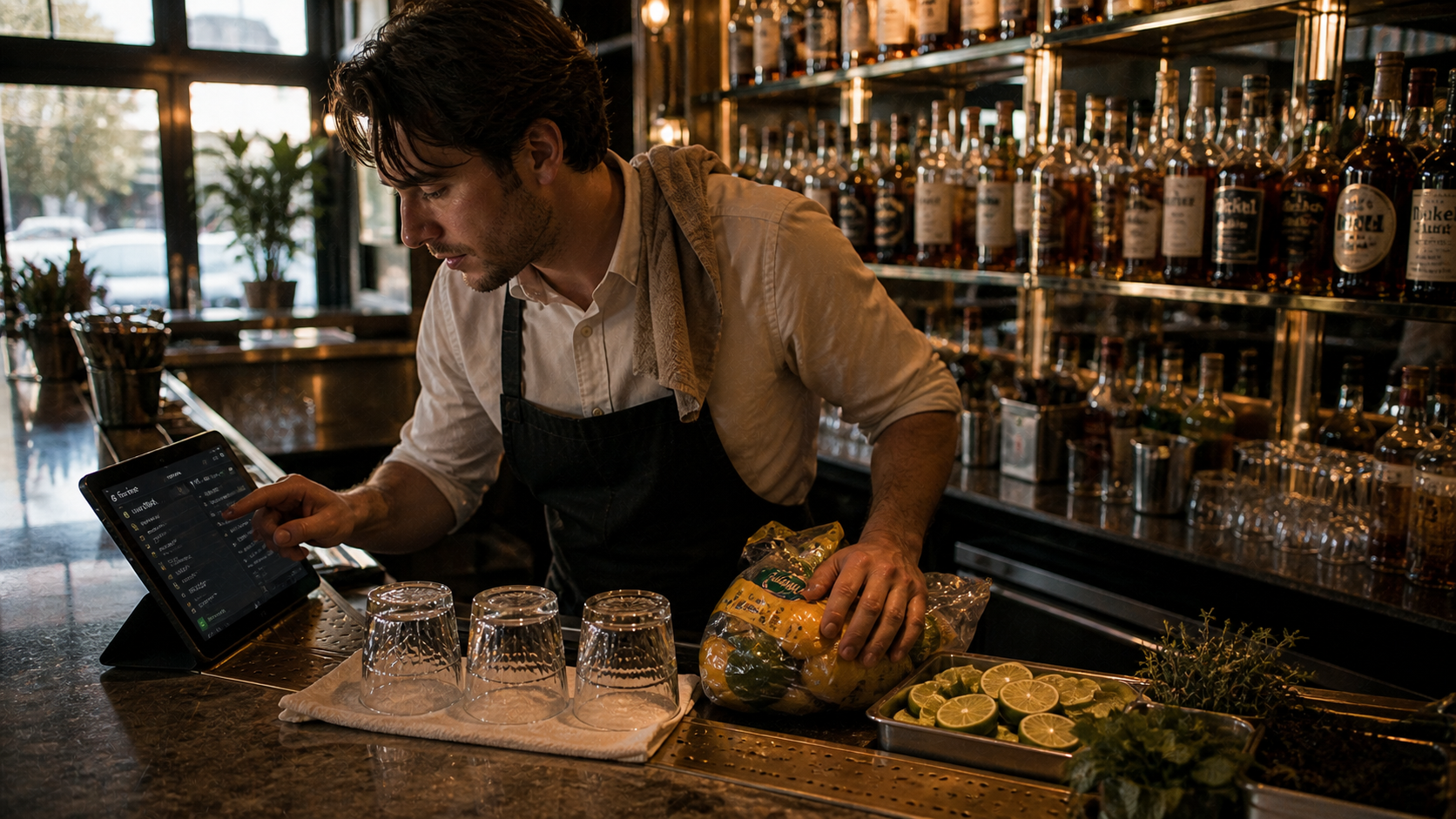
Bartender mid-prep before service, ticking through opening checks on a tablet propped at the bar
Operations / beta

Checklists

"Mise" means everything in its place. Checklists is the product that keeps it that way — pre-service, mid-service, and after the last guest leaves. Built per role, generated from your real data, attestable by timestamp and signature.

BAR · OPENING · MICHAEL · 3:42 PM 8 of 11 done
Rotate kegs 3:14 PM · MR
Polish glassware (2 racks) 3:21 PM · MR
Stock garnishes — citrus, herbs, olives 3:28 PM · MR
Calibrate well pour · 1.5 oz 3:34 PM · MR · attested ✓
Print cocktail menus (12) 3:38 PM · MR
Receive Friday wine delivery truck delayed · ETA 4:15
Restock cocktail napkins + coasters 3:41 PM · MR
Confirm 86'd cocktails on board auto-pulls from POS at 4:00
Final bar walkthrough with chef scheduled 5:30 PM
1 needs attention · wine delivery delayed
12
ROLES
default plus your custom ones
+28pts
COMPLIANCE LIFT
design partner avg
A Operations product
↓ scroll to read
ROLES
12
default plus your custom ones
COMPLIANCE LIFT
+28pts
design partner avg
ATTESTATION
time + sig
audit-ready logs
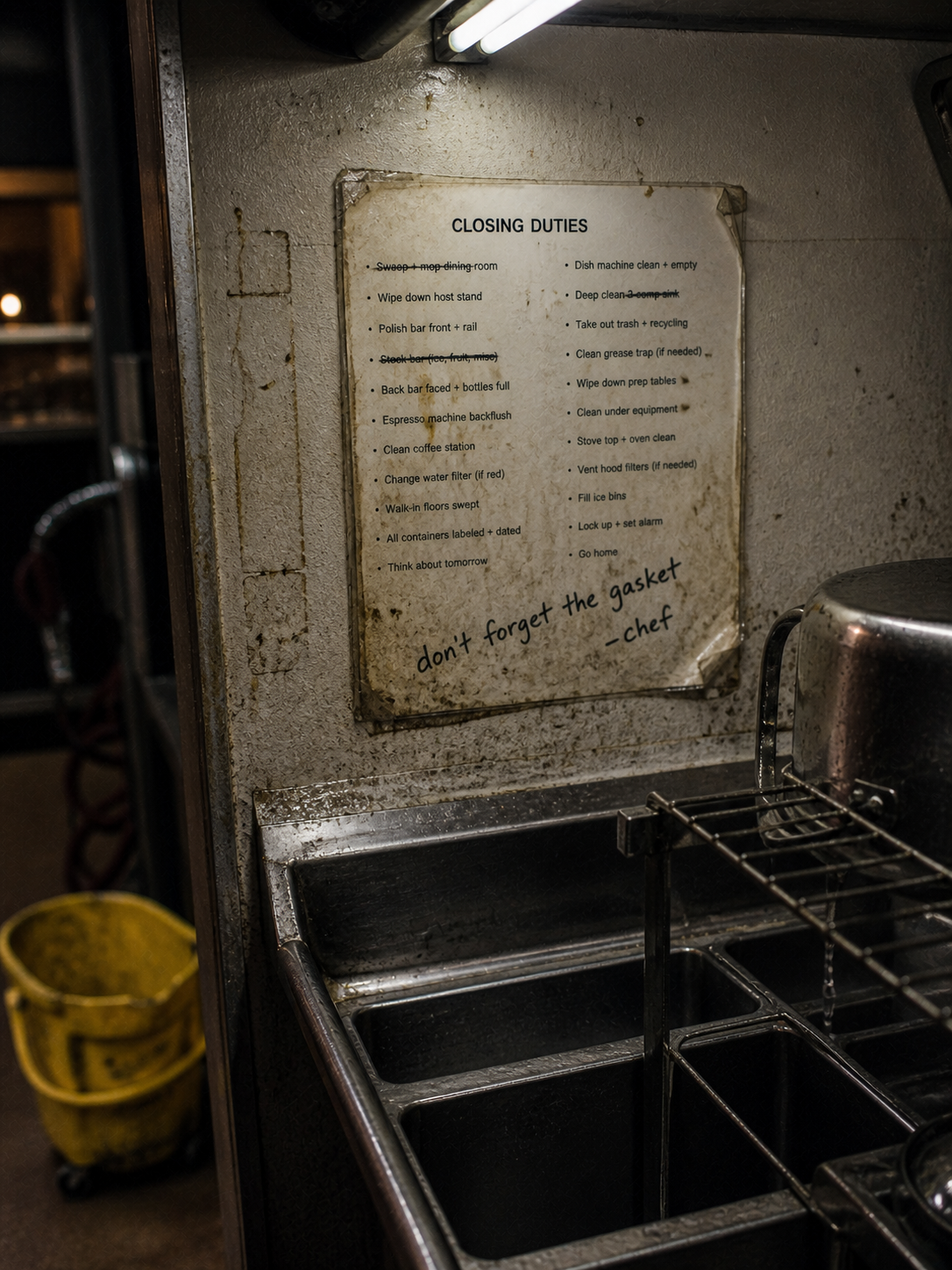
Yellowed laminated closing checklist taped above a dish station, half the items smudged with grease and Sharpie addenda
I. The problem

Whiteboards. Sticky notes. The veteran who knows the routine and the new hire who doesn't.

Most restaurants run on tribal knowledge. The opening checklist lives in someone's head. The closing list is a dusty laminated sheet by the dish station. New hires miss things because nobody told them. Veterans miss things because they're tired. Standards drift, then they break, then a guest notices.

II. How Mise solves it

Every role, every shift — knows exactly what to do, in what order, by when.

Mise generates per-role checklists from the data you already have — the menu, the reservation book, the BEO, the POS forecast, the walk-in. Items push to the right device at the right time. Attestations log who did what and when. Standards stay where you set them.
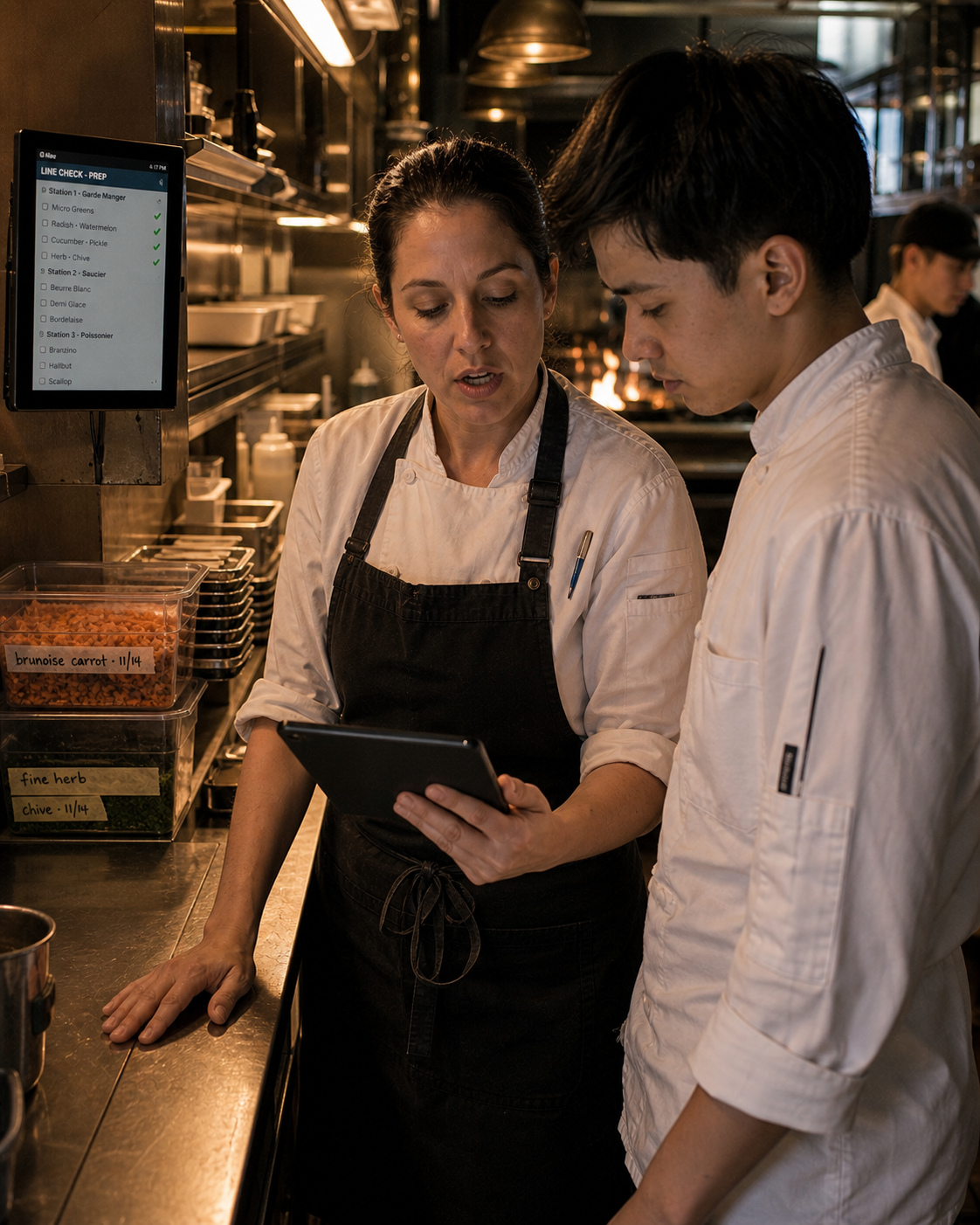
Sous chef walking the line in pre-service, tablet at her chest, pointing out station par levels to a young cook beside her
III. The interface

A study, in detail.

Pulled from the actual product. This is what your team sees, every shift.

OPENING · TONIGHT · 5:42 PM · ALL ROLES 2 stations need attention
Host stand
Anya
100% attested ✓
Floor
Marco
100% attested ✓
Line
Chef Diaz
100% attested ✓
Office
GM
100% attested ✓
Pastry
Sofia
92% 1 pending · proof setup
Bar
Michael
78% 3 pending · 1 escalated
Dish
Jamie
67% 3 pending · mop, sanitizer, glass rack
Service starts in 18 min · 2 stations behind
V. Capabilities

A few highlights, in plain terms.

01
Per-role lists
Front-of-house, line, pastry, bar, dish, host, office — every role has its own opening, service, and close list. Update an SOP and every role inherits it.
02
Generated from your data
Recipe Management drives the prep list (twelve duck rillettes for tonight). Catering drives the BEO setup (two banquet rooms, 80 covers, 6:30 start). POS history flags a busier-than-usual evening so you bump the bar par. Inventory triggers post-service reconciliation.
03
Pre-service, service, post-service
Opening: stock, polish, set, sweep, par. Service: half-time bathroom check, bar restock, reservation walkthrough. Close: reconcile bar inventory against the system, deep clean, set up for tomorrow.
04
Reminders that fire on the floor
Push to the right device at the right time. The bartender gets "rotate the kegs" at 4 PM. The host gets "set the candles" at 5:15. No more whiteboards everyone agrees to ignore.
05
Attest with signature
Optional sign-off per item: timestamp + initials. Use it where standards matter — walk-in temps, allergen protocols, alcohol storage, opening sweep. Audit-ready.
06
In pursuit of excellence
Every shift's compliance is logged. See trends per role, per shift, per individual. Coach the gaps you can actually see, not the ones you guess at.
VII. How it's priced

Membership plus usage. Honest math.

A flat monthly subscription, plus low usage rates measured by the minute your staff actually spend in the app. No per-seat fees, no integration tax, no surprises.

Membership
$49 / month · per location
or $499 / year save $89
One flat fee per restaurant — full access to every Mise product. Multi-location groups pay per location, billed together.
Usage · Checklists
$0.08 / active device-hour
per tablet, screen, or workstation · tracked to the second
Each tablet, kitchen screen, or workstation runs its own meter. Two staff sharing one device counts as one — five tablets running simultaneously counts as five.
See all module rates

The first conversation is with the team, not a sales rep. Tell us your operation and we'll come back with a real number — usually within a day.

bill monthly, or prepay & draw down — your call

VIII. Things people ask

Questions, before you ask.

Custom roles? +
Yes — add roles, sub-stations, anything specific to your operation. Every role gets its own list templates.
Mobile only? +
Mobile, tablet, or whichever Mise surface the role already uses. Bartender gets it on the POS at the bar, the sous chef sees the kitchen prep list right on Kitchen Display, the GM at the host stand. Wherever you already are.
Attestation legal weight? +
Timestamp + initials per item, with role attribution. We treat it as a record. For health-department-required logs (walk-in temps, sanitizer concentration), we partner with Food Safety to make it inspector-ready.
Templates out of the box? +
We ship default templates for FOH, line, bar, host, dish, and office. You edit them or build from scratch. Templates inherit from your other products — change a recipe, the prep list updates.
make it yours

Want to tweak Checklists to be perfect?

What we built here is the base platform — but we can customize it for you with Mise Agency. Bespoke features, custom integrations, anything it doesn't do out of the box. Tell us what it needs to do to work perfectly for you, and we'll extend those features, just for you.